
- 16 + 1 Power Phases for Stable Delivery
- Great for Overclocking
- Supports DDR5 Up to 7800MHz
- Attractive Design
- Well-Optimized Thermals
- Plenty of I/O
- Built-In WiFi
- On the Pricier Side

Asus’ ROG STRIX Z790-H is a mid-range motherboard in price, at $300. This is far from the cheapest Z790 model, as some like ASRock’s Z790M PG Lightning/D4 are available for as low as $170.
Still, the ROG Strix Z790-H is far from the most expensive board, and it packs in plenty of features that you’d expect from a higher-end motherboard.
Design
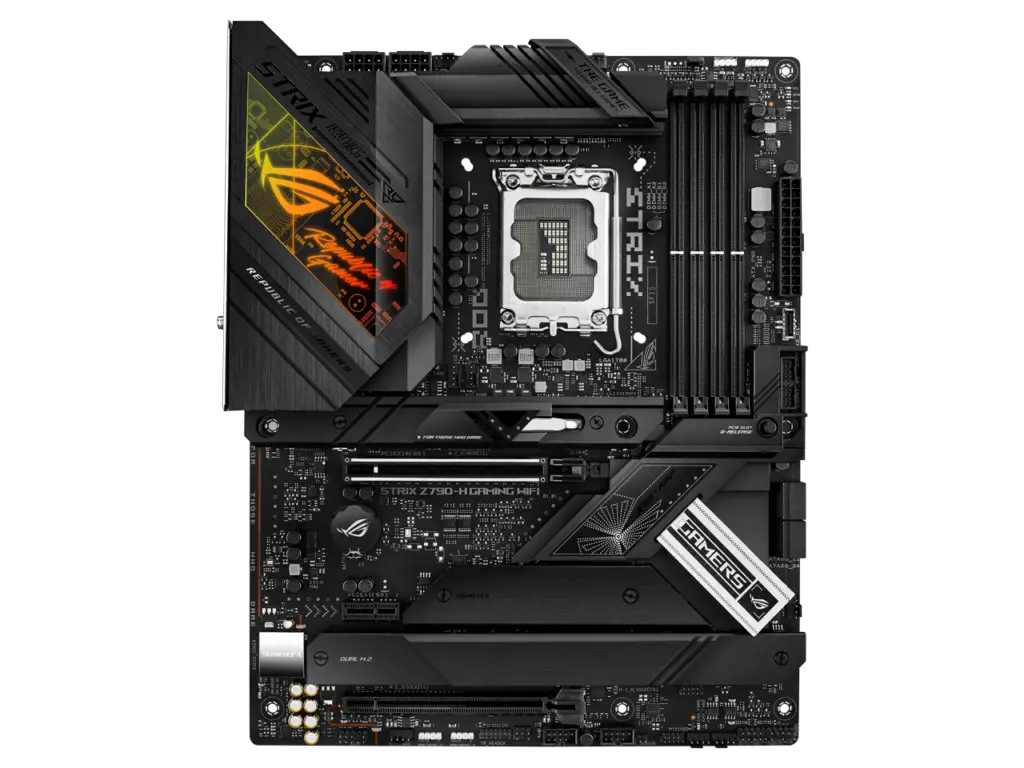
Sporting a slick, laregely black/dark gray design with massive heatsinks and black PCB, this is a phenomenal-looking board. The leftmost portion of the VRM heatsinks feature the Republic of Gamers logo in a gradient that goes from red to orange, then into yellow and lime-green. Several silvery accents, such as the CPU tray and near the chipset heatsink, are prominent.
The Z790-H has copious cooling solutions, with an impressive three M.2 heatsinks, as well as the aforementioned L-shaped VRM heatsink, which services the powerful 16+1-phase power delivery system.
Connectivity
In terms of connectivity, this motherboard is equipped with a reinforced PCIe 5.0 x16 slot, PCIe 4.0 x16 slot, and a 3.0 x1 for good measure. Additionally it boasts four PCIe 4.0 slots M.2 slots (including two that accommodate 110mm drives and one that has SATA lanes running to it) and four DDR5 DIMM slots, supporting memory speeds up to 7800MHz with XMP.
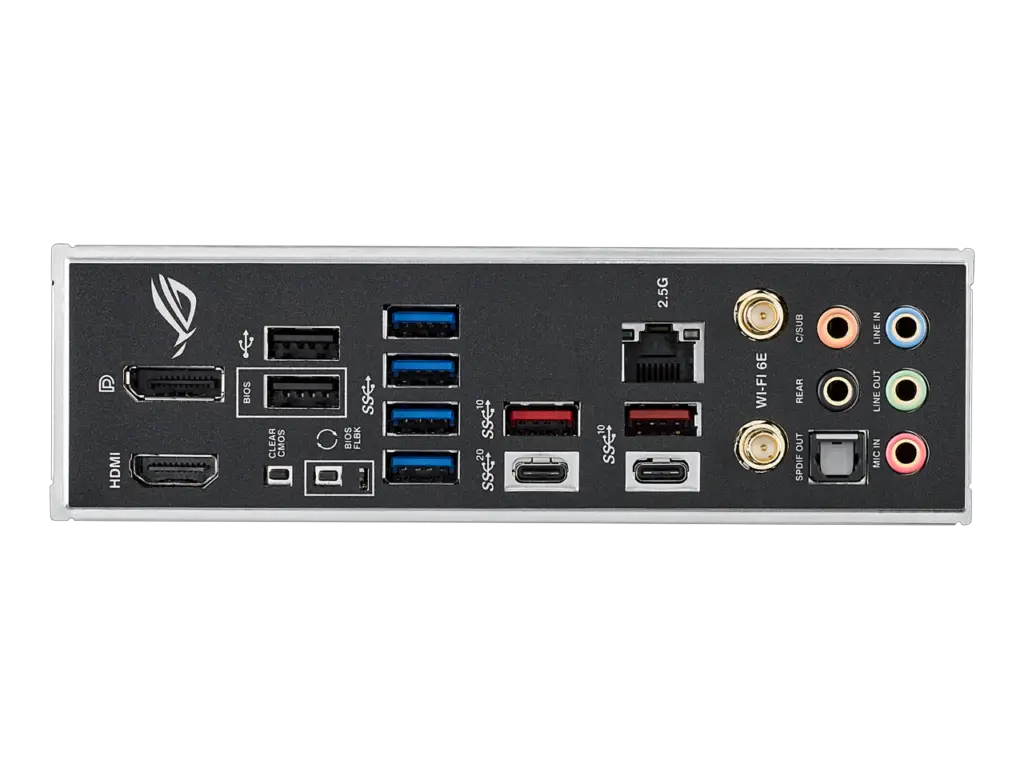
The external I/O is equally well-rounded, with an HDMI port, DisplayPort, total of 8 USB Type-A ports, two USB-C ports, a Ethernet port, 5 audio jacks, and WiFi 6E.
Other Features
Other notable features include a BIOS Flashback button for easy BIOS updates, Asus’ AI overclocking software for easy processor OCs, Asus’ Q-Latch technology for quick and easy M.2 drive installation without any screws, and motherboard status LEDs for easy debugging should you run into any issues when booting your PC.
The ROG Strix Z790-H Gaming WiFi also comes with a CMOS reset button to quickly reset the BIOS to factory settings.
This feature set, combined with a price point that’s very reasonable for a motherboard of this caliber, makes the Z790-H Gaming WiFi an appealing mid-range motherboard for those looking to overclock without spending hundreds more on something like MSI’s MEG Z790 ACE.
Best CPUs for ROG Strix Z790-H Gaming
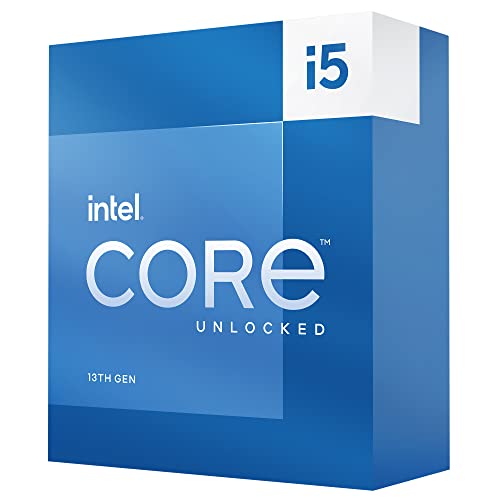

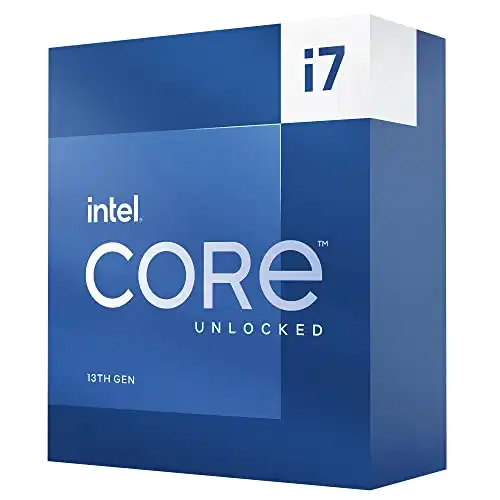


The ROG Strix Z790-H Gaming WiFi is best-suited for use with a K-series Intel processor like the Core i5-13600K, Core i7-13700K, Core i9-13900K, or any of their graphics-less F-series counterparts.
We wouldn’t recommend using anything less than the Core i5-13600K in conjunction with the ROG Strix Z790-H Gaming, as something like the Core i5-13400 or 13500 can’t make full use of this mainboard’s rich feature set, diminishing its value. If you’re looking for a motherboard to pair with a 65W chip like these, a B760 motherboard is a much better choice.
On the other end of the spectrum, we also wouldn’t recommend the Core i9-13900KS be used with this motherboard. The 13900KS is intended for hardcore overclockers, and if you want to push your CPU’s frequency to its absolute limits, you’ll want a pricier motherboard specifically designed for this like EVGA’s Z790 Dark K|NGP|N or Gigabyte’s Aorus Z790 Tachyon.